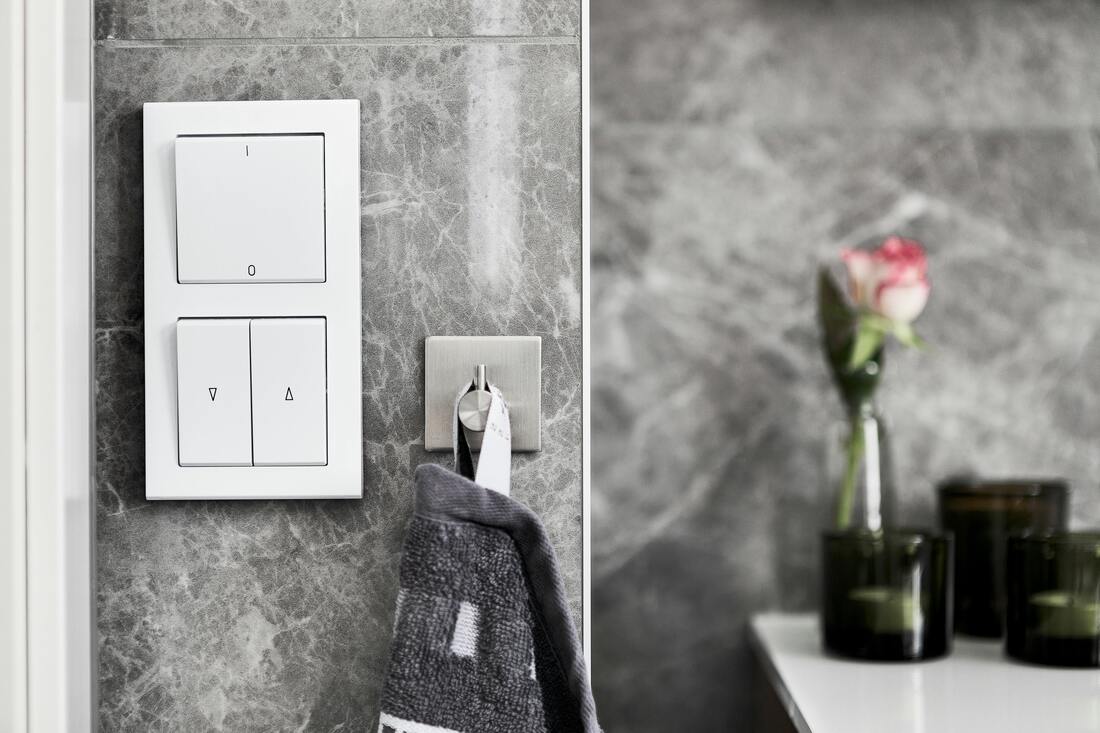
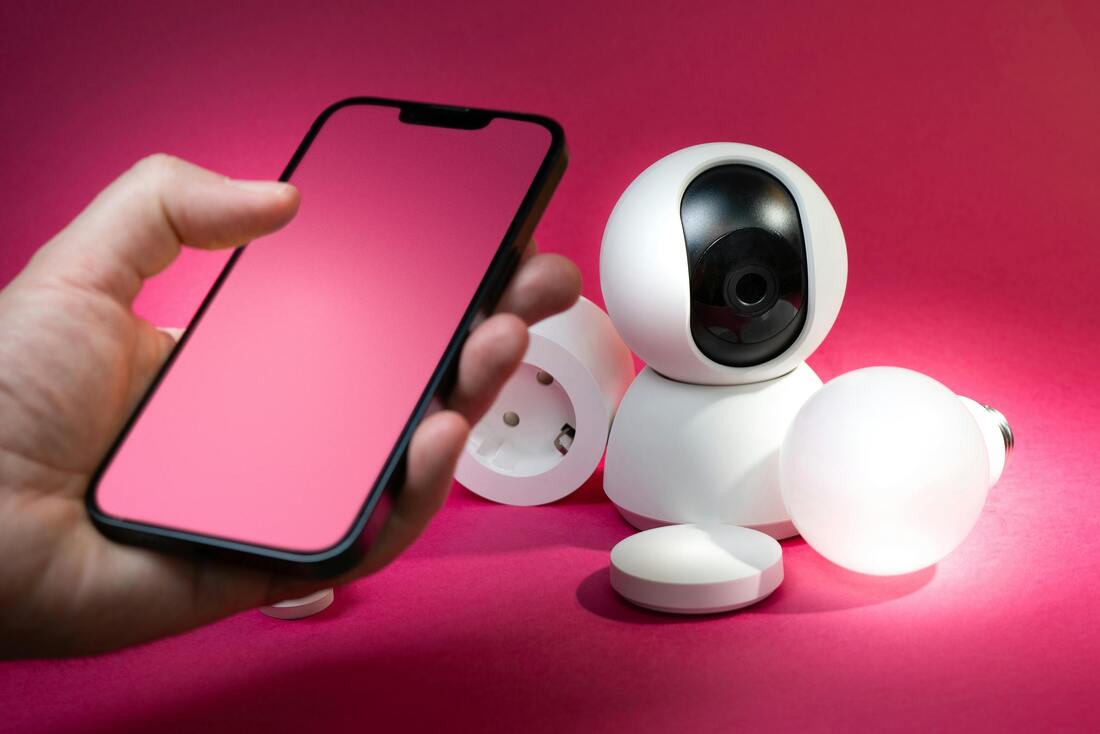
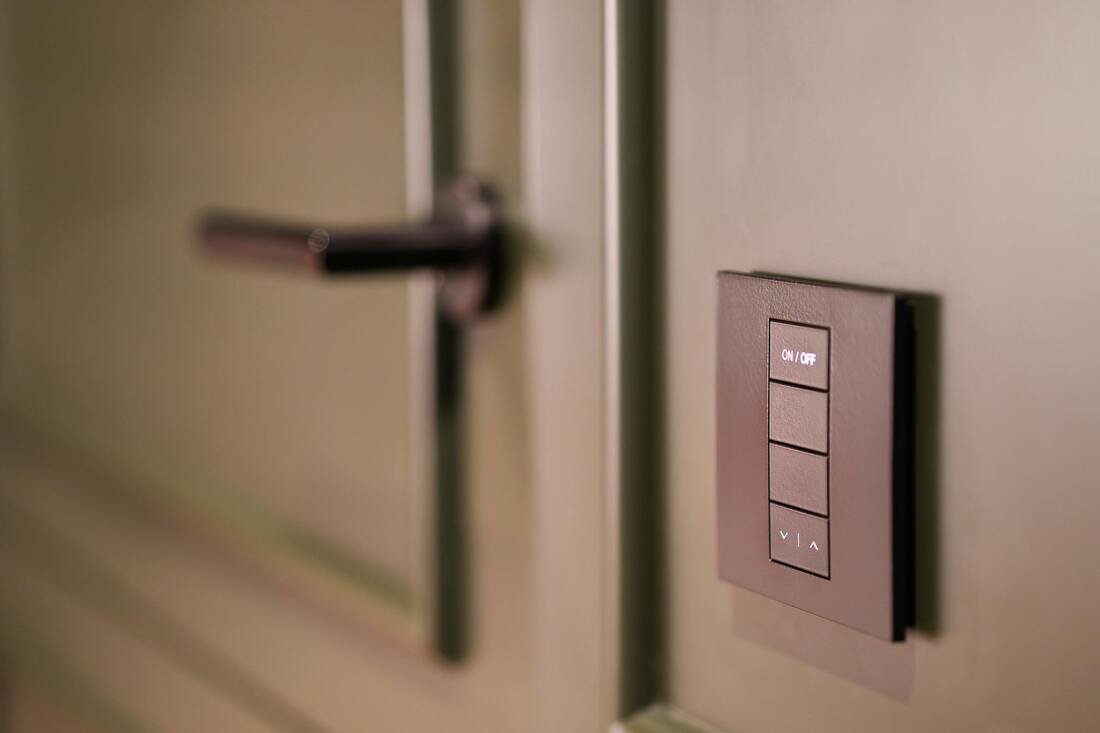
Smart switches are basically wall switches that you can control in a bunch of ways: you can use them like normal, control them from your phone or with your voice, or even set them up to work automatically based on a schedule or sensors.
They replace your old wall switch but add cool digital stuff – usually Wi-Fi, but sometimes Zigbee, Z-Wave, Bluetooth, or Thread.
💡 What They Do
* **On/Off:** Turns lights or devices on and off. You can touch the switch, use an app, your voice, or set it up to do it automatically.
* **Dimming:** Some let you change how bright the light is (if you have the right kind of light bulb).
* **Scheduling:** You can set timers, tell them to turn on when the sun goes down, or create daily routines.
* **Remote Control:** Control things from anywhere using your phone or a smart home hub.
* **Voice Control:** Works with Alexa, Google Assistant, Siri, etc.
* **Energy Tracking (optional):** Some will tell you how much power you're using.
* **Scene Control:** You can group devices together. For example, a Movie Time setting could dim the lights and close the blinds.
🕹️ Kinds of Smart Switches
| Type | What it is | Good for... |
| -------------------------- | -------------------------------------------------- | ----------------- |
| Single-pole | Controls one light from one spot. | Most rooms. |
| 3-way / 4-way | Works with multiple switches for the same light. | Hallways, stairs. |
| Dimmer switch | Lets you change the brightness. | Living rooms, bedrooms. |
| Touch switch | Uses a touch-sensitive panel instead of a regular toggle. | Modern places. |
| No-neutral wire switches | Works in older houses that don't have a neutral wire. | Old houses |
| Motion sensor switches | Turns on/off when it detects movement. | Bathrooms, hallways. |
📡 How They Talk to Each Other
| Protocol | Range | Needs a Hub? | Notes |
| ------------ | ----------- | ----------- | ------------------------------------------------------------------ |
| Wi-Fi | Your house | Nope | Connects straight to the internet; easy to set up, but uses more Wi-Fi. |
| Zigbee / Z-Wave | Medium | Yep | More reliable for bigger smart homes; needs a hub. |
| Bluetooth | Close up | Nope | Only works when you're nearby. |
| Thread / Matter | Getting there | Maybe | Newer system that's supposed to work with everything. |
🛠️ Putting It In
1. Turn off the power at the breaker box.
2. Take out the old switch and look at the wires.
3. Connect the wires to the new switch (usually labeled Line, Load, Neutral, and Ground).
4. Screw the switch into the wall.
5. Turn the power back on and follow the instructions in the app to connect the switch.
⚠️ **Important:** If you're not comfortable with electrical wiring, get an electrician to do it.
🔒 About Safety
* Always double-check the voltage and current ratings (like 120V AC, 15A).
* Make sure you have a neutral wire if the switch needs it.
* Check what kind of lights or devices the switch can handle (LED, regular bulbs, fans, etc.).
* Use switches that have been tested for safety (look for UL or CE labels).
🏡 Cool Things You Can Do
Smart switches let you:
* Turn on lights when you get home (the switch knows where you are).
* Turn off lights when no one's in the room.
* Make it look like you're home when you're not (for security).
* Connect to other sensors (like temperature, door, or smoke sensors).
* Create routines (like a Goodnight setting that turns everything off).
🔋 Power Use
* They don't use much power when they're just sitting there (usually less than 1 watt).
* Some fancy models can help you save energy.
🛠️ Fixing Problems
| Problem | What Might Be Wrong | How to Fix It |
| ---------------------- | --------------------------------------- | --------------------------------------------- |
| Switch won't connect | Weak Wi-Fi, wrong Wi-Fi type (2.4GHz) | Connect to a 2.4GHz Wi-Fi network |
| Lights flicker | Wrong kind of light bulb | Use dimmable LEDs or adjust dimming settings |
| No power | Wiring problem or tripped breaker | Check the wiring or reset the breaker |
| App isn't working | Something's wrong with the company's server | Use local control (if the switch has that option) |
🔐 Keeping It Private
* Change the default password right away.
* Keep the switch's software up to date.
* Get switches that let you control them locally (not just through the cloud).
* Use a secure Wi-Fi password (WPA2 or WPA3).
👍👎 Good and Bad
✅ **Pros:**
* Easy to control things from anywhere.
* Can save energy.
* Works with other smart home stuff.
* Looks cool.
⚠️ **Cons:**
* More expensive than regular switches.
* Needs Wi-Fi or a hub to work.
* Could have privacy problems.
* Uses a little bit of power even when turned off.
They replace your old wall switch but add cool digital stuff – usually Wi-Fi, but sometimes Zigbee, Z-Wave, Bluetooth, or Thread.
💡 What They Do
* **On/Off:** Turns lights or devices on and off. You can touch the switch, use an app, your voice, or set it up to do it automatically.
* **Dimming:** Some let you change how bright the light is (if you have the right kind of light bulb).
* **Scheduling:** You can set timers, tell them to turn on when the sun goes down, or create daily routines.
* **Remote Control:** Control things from anywhere using your phone or a smart home hub.
* **Voice Control:** Works with Alexa, Google Assistant, Siri, etc.
* **Energy Tracking (optional):** Some will tell you how much power you're using.
* **Scene Control:** You can group devices together. For example, a Movie Time setting could dim the lights and close the blinds.
🕹️ Kinds of Smart Switches
| Type | What it is | Good for... |
| -------------------------- | -------------------------------------------------- | ----------------- |
| Single-pole | Controls one light from one spot. | Most rooms. |
| 3-way / 4-way | Works with multiple switches for the same light. | Hallways, stairs. |
| Dimmer switch | Lets you change the brightness. | Living rooms, bedrooms. |
| Touch switch | Uses a touch-sensitive panel instead of a regular toggle. | Modern places. |
| No-neutral wire switches | Works in older houses that don't have a neutral wire. | Old houses |
| Motion sensor switches | Turns on/off when it detects movement. | Bathrooms, hallways. |
📡 How They Talk to Each Other
| Protocol | Range | Needs a Hub? | Notes |
| ------------ | ----------- | ----------- | ------------------------------------------------------------------ |
| Wi-Fi | Your house | Nope | Connects straight to the internet; easy to set up, but uses more Wi-Fi. |
| Zigbee / Z-Wave | Medium | Yep | More reliable for bigger smart homes; needs a hub. |
| Bluetooth | Close up | Nope | Only works when you're nearby. |
| Thread / Matter | Getting there | Maybe | Newer system that's supposed to work with everything. |
🛠️ Putting It In
1. Turn off the power at the breaker box.
2. Take out the old switch and look at the wires.
3. Connect the wires to the new switch (usually labeled Line, Load, Neutral, and Ground).
4. Screw the switch into the wall.
5. Turn the power back on and follow the instructions in the app to connect the switch.
⚠️ **Important:** If you're not comfortable with electrical wiring, get an electrician to do it.
🔒 About Safety
* Always double-check the voltage and current ratings (like 120V AC, 15A).
* Make sure you have a neutral wire if the switch needs it.
* Check what kind of lights or devices the switch can handle (LED, regular bulbs, fans, etc.).
* Use switches that have been tested for safety (look for UL or CE labels).
🏡 Cool Things You Can Do
Smart switches let you:
* Turn on lights when you get home (the switch knows where you are).
* Turn off lights when no one's in the room.
* Make it look like you're home when you're not (for security).
* Connect to other sensors (like temperature, door, or smoke sensors).
* Create routines (like a Goodnight setting that turns everything off).
🔋 Power Use
* They don't use much power when they're just sitting there (usually less than 1 watt).
* Some fancy models can help you save energy.
🛠️ Fixing Problems
| Problem | What Might Be Wrong | How to Fix It |
| ---------------------- | --------------------------------------- | --------------------------------------------- |
| Switch won't connect | Weak Wi-Fi, wrong Wi-Fi type (2.4GHz) | Connect to a 2.4GHz Wi-Fi network |
| Lights flicker | Wrong kind of light bulb | Use dimmable LEDs or adjust dimming settings |
| No power | Wiring problem or tripped breaker | Check the wiring or reset the breaker |
| App isn't working | Something's wrong with the company's server | Use local control (if the switch has that option) |
🔐 Keeping It Private
* Change the default password right away.
* Keep the switch's software up to date.
* Get switches that let you control them locally (not just through the cloud).
* Use a secure Wi-Fi password (WPA2 or WPA3).
👍👎 Good and Bad
✅ **Pros:**
* Easy to control things from anywhere.
* Can save energy.
* Works with other smart home stuff.
* Looks cool.
⚠️ **Cons:**
* More expensive than regular switches.
* Needs Wi-Fi or a hub to work.
* Could have privacy problems.
* Uses a little bit of power even when turned off.